
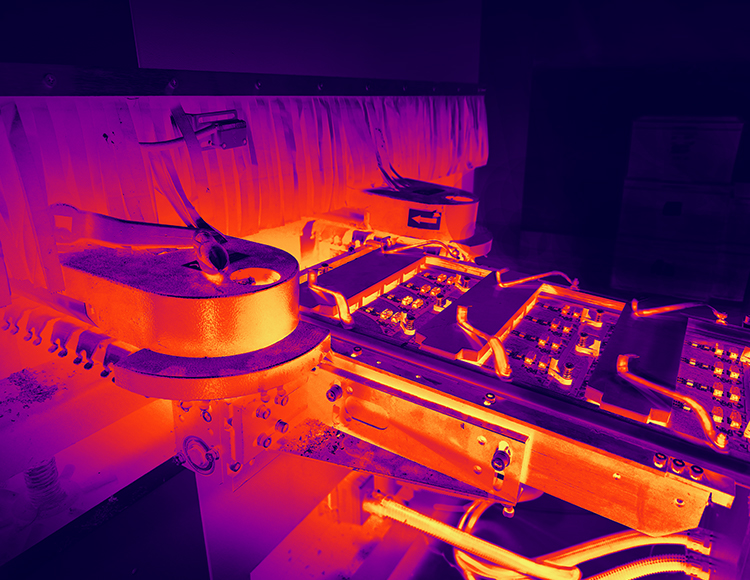
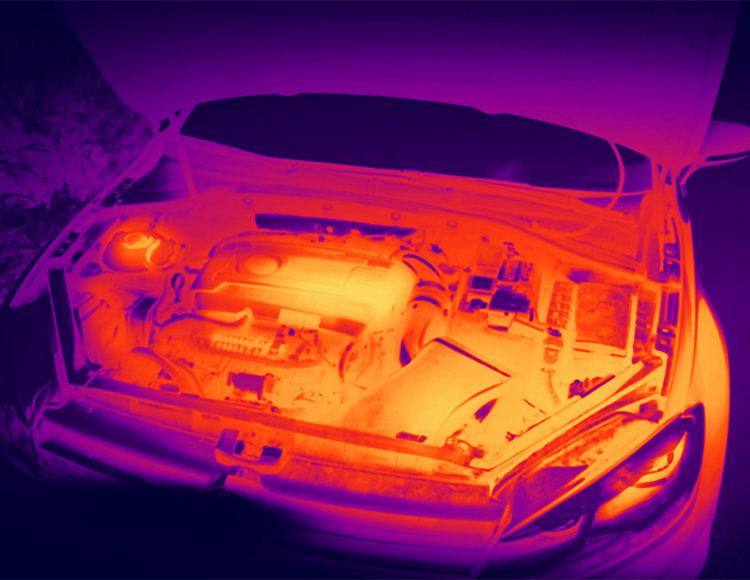
Be Honest: Have You Ever Taken a Thermal Photo You Couldn’t Explain to Anyone Else?
A regular photo from a thermal imager looks nice, but it often misses the real story. Temperatures change. Hot spots move. Without the ability to see live data or analyze it later, you’re only getting half the picture.
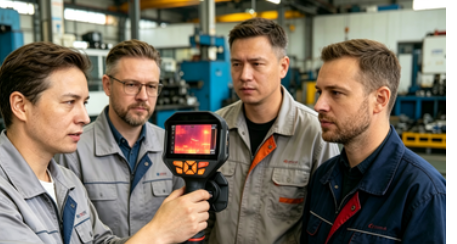
Many thermal cameras only let you see the image on the camera itself
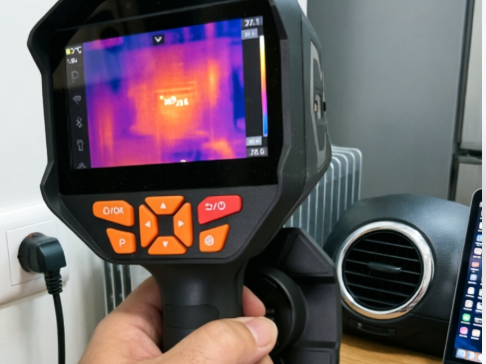
Have you ever used a thermal camera that only shows the picture on its small screen? You stand there, look at the hot spot, and then… what? If you want to show a coworker or save a proper report, you are stuck. Some cameras cannot even export the full thermal data. This makes remote work, safety inspections, and team collaboration very difficult.
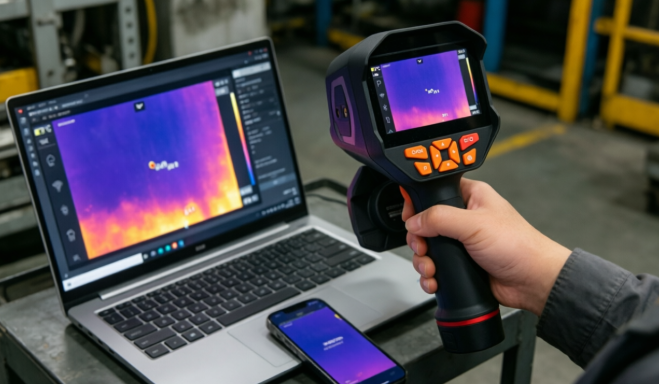
App data transfer + offline analysis software on your computer
Imagine being able to see the live thermal image on your phone from a safe distance. And later, you can open the same file in your computer software to analyze each temperature point. That is the idea: make thermal data easy to move, easy to share, and easy to analyze later.
Example
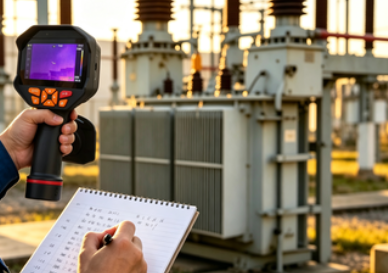
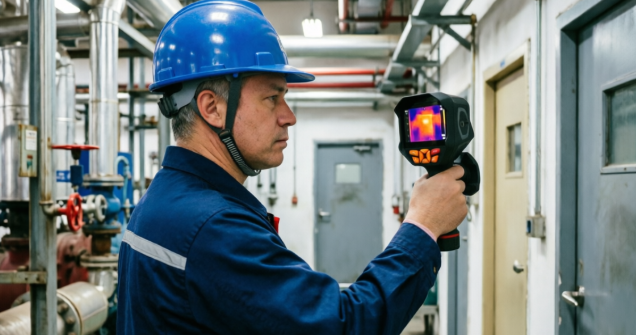
The electrical panel is 5 meters up. Instead of climbing a ladder with a thermal camera, you mount the camera near the panel. You stand safely on the ground and watch the live temperature data on your phone via the app. If a wire connection is getting hot, you see it immediately without putting yourself at risk.
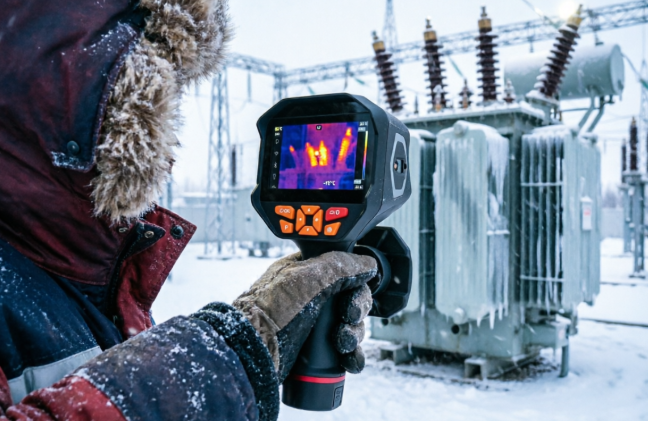
You place the thermal camera inside a dangerous or extremely cold environment. Then you walk out to a safe area. From outside, you can monitor the temperature changes on your phone. You can also record videos and take photos without staying inside. This protects your health and keeps the data accurate.
A technician fixes a leaking pipe under the floor. Before the repair, you take a thermal image showing the cold spot. After the repair, you take another image. With the App and PC software, you can put these two images side by side, show the exact temperature difference, and prove the repair actually worked. This is very useful for professional technicians who need to show their work to customers or managers.
Some thermal imagers are designed with this in mind. For example, the DP-38D allows you to transfer photos and videos directly to your phone through a simple App. They also support professional PC analysis software, so you can generate detailed reports later. Nothing complicated – just practical tools for daily work.
Where can you actually use this?
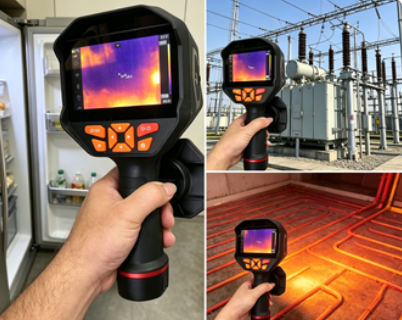
Refrigerator or freezer door seal leaks – check if cold air is escaping without standing in a cold kitchen for hours.
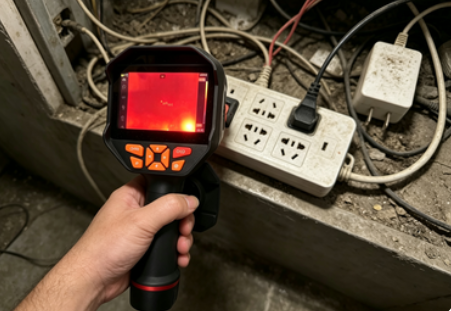
Substation or electrical room long inspections – leave the camera recording while you take notes from a safe chair.
Underfloor heating or pipe leaks – scan the floor, send the images to your computer, and mark exactly where the problem is.
A quick question for everyone here:
What’s the first thing you would want to check with a thermal camera?
A freezer door? An electrical panel? A pipe under the floor?
Just put your answer in the comments. Let’s see what everyone is working on these days.