
Hot Products
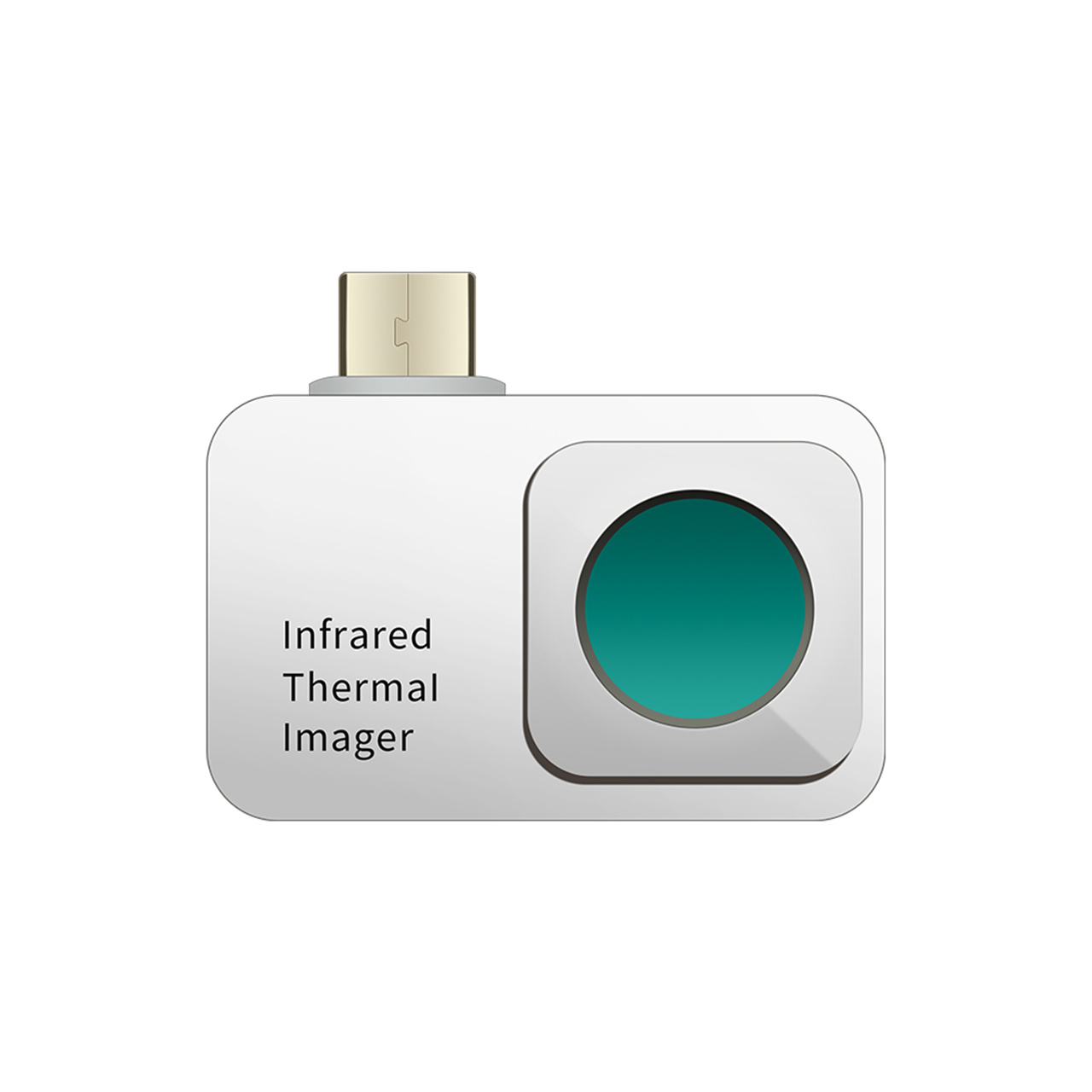
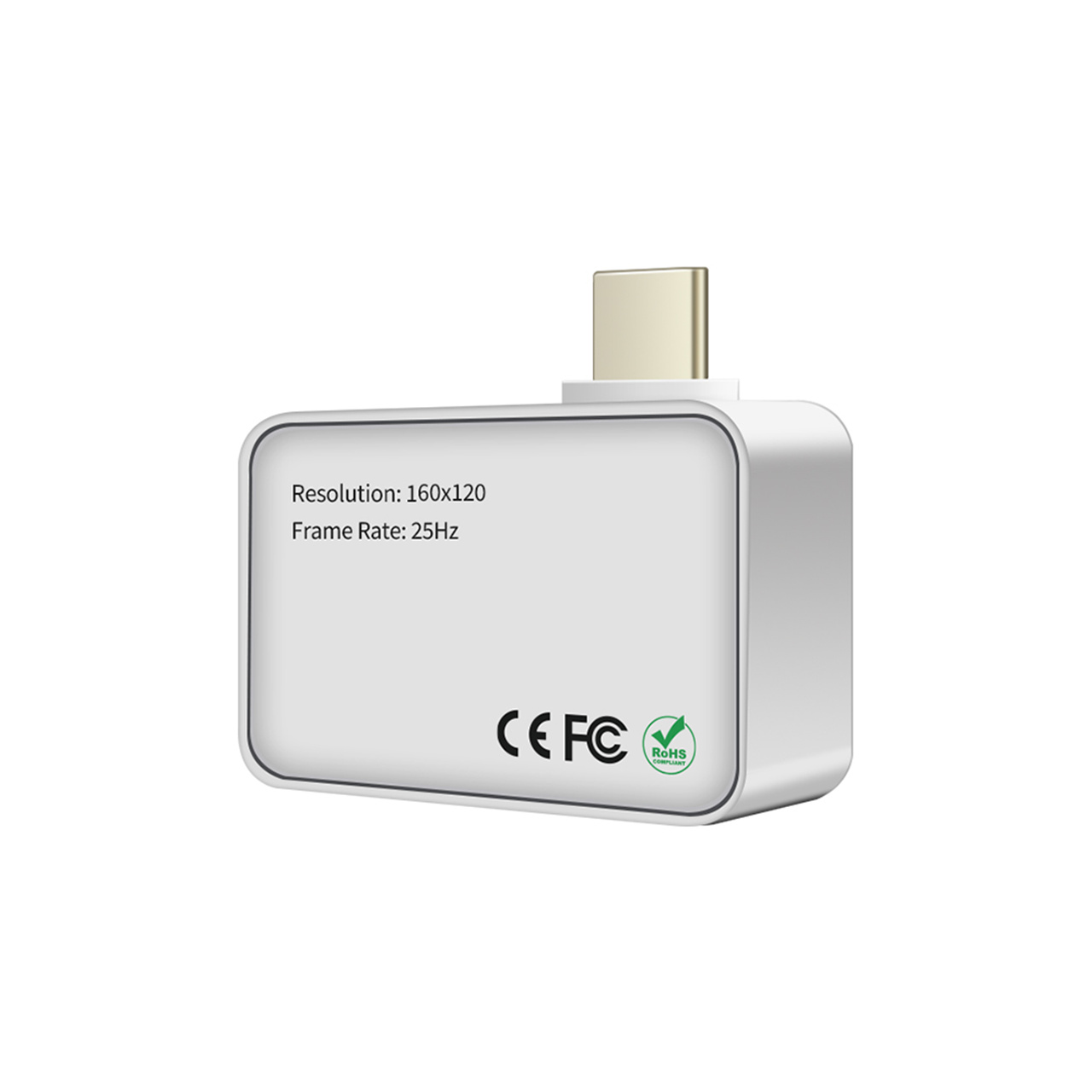
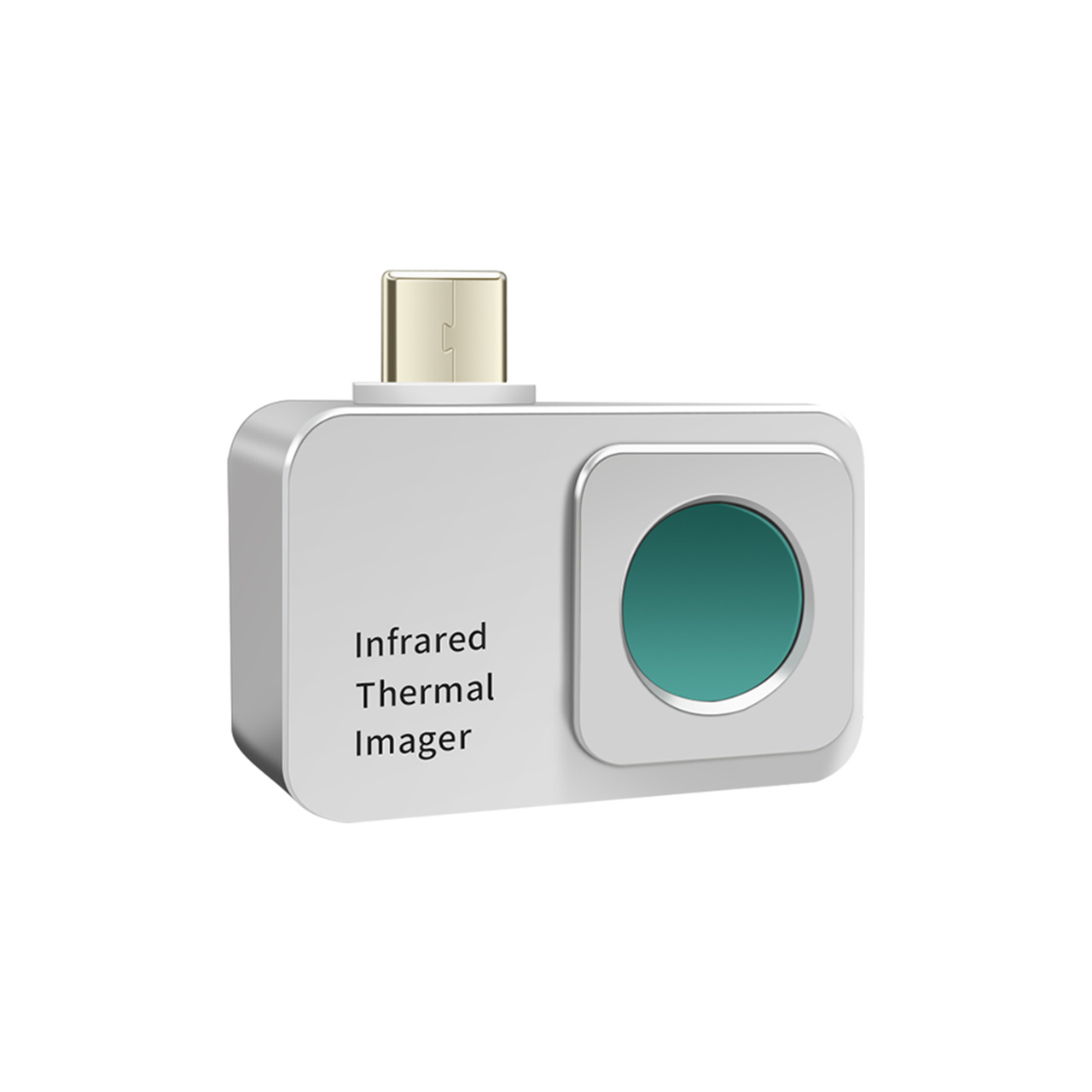
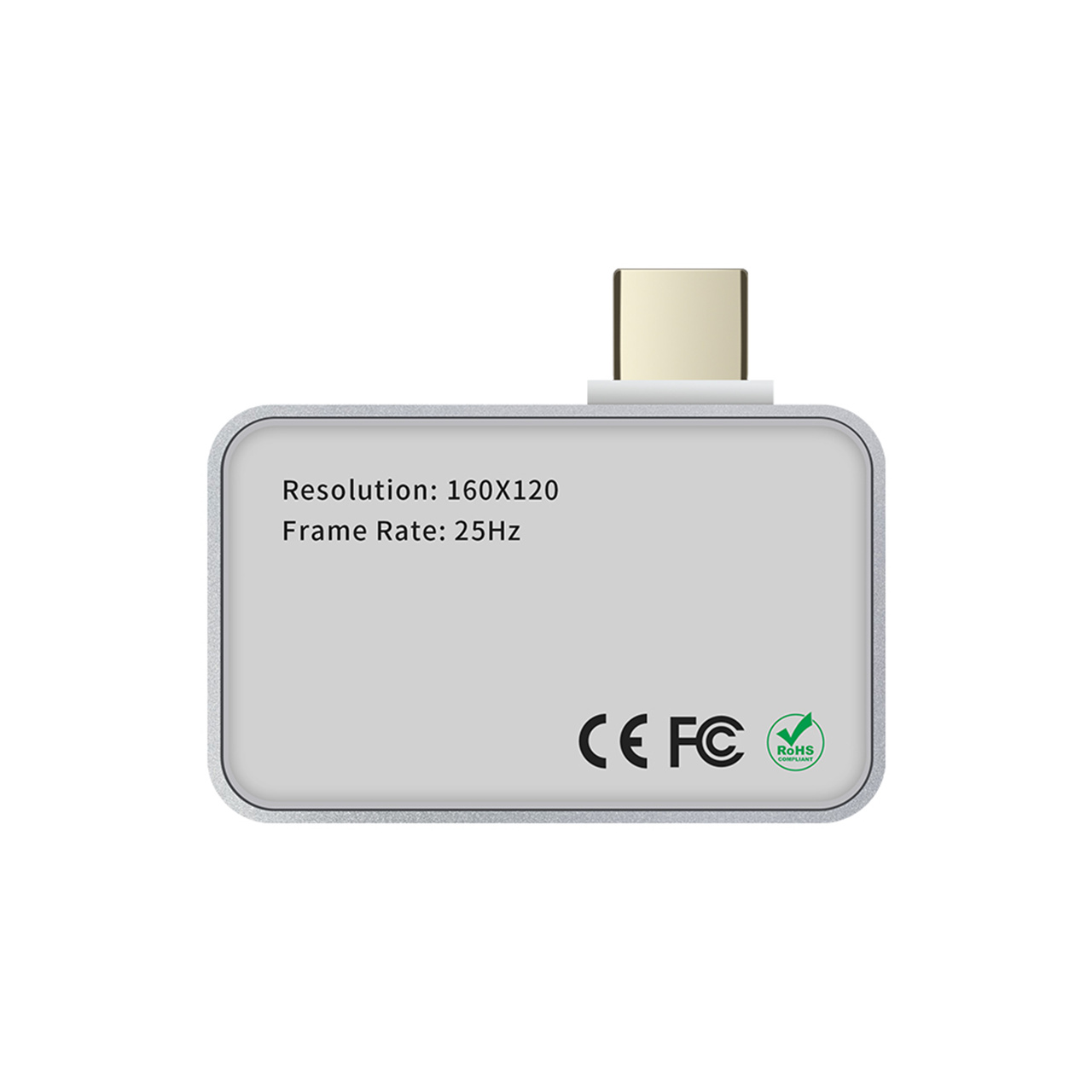
H1FB Mobile Phone Infrared Thermal Imager 160x120 - China Suppliers Factory for Home Repair & Maintenance
Versatile Specifications
📷
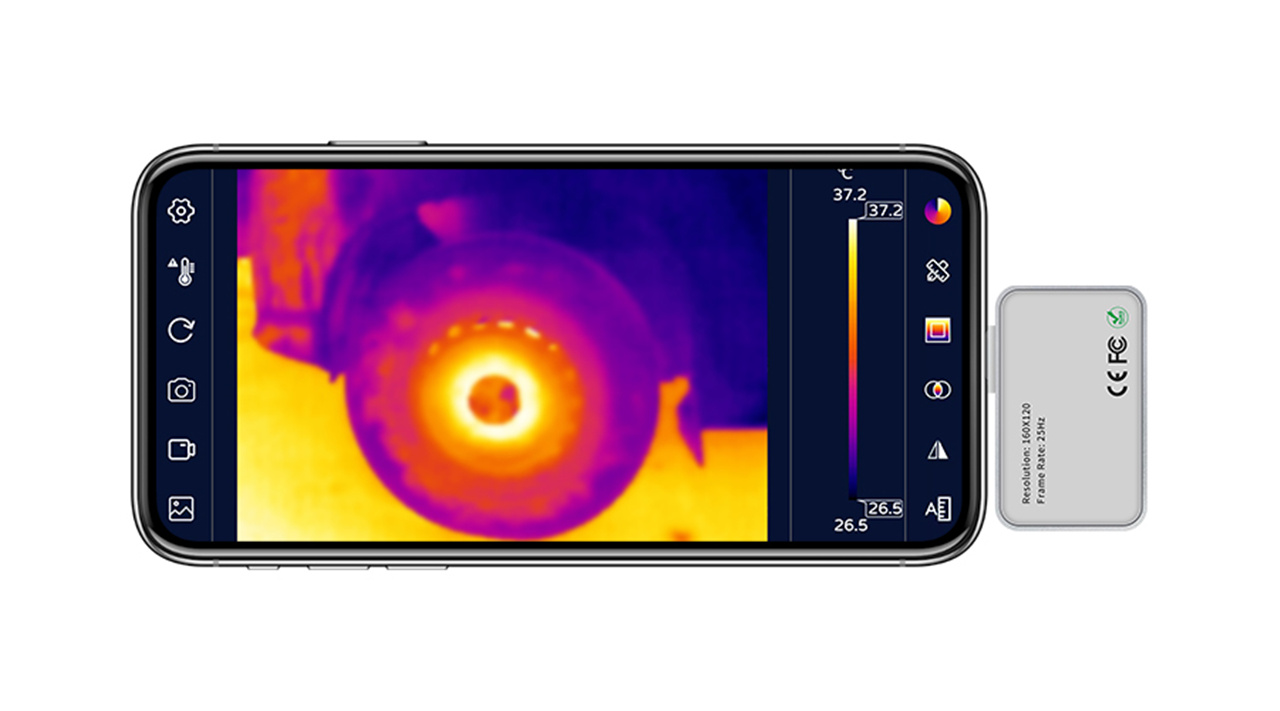
Infrared Sensor Resolution
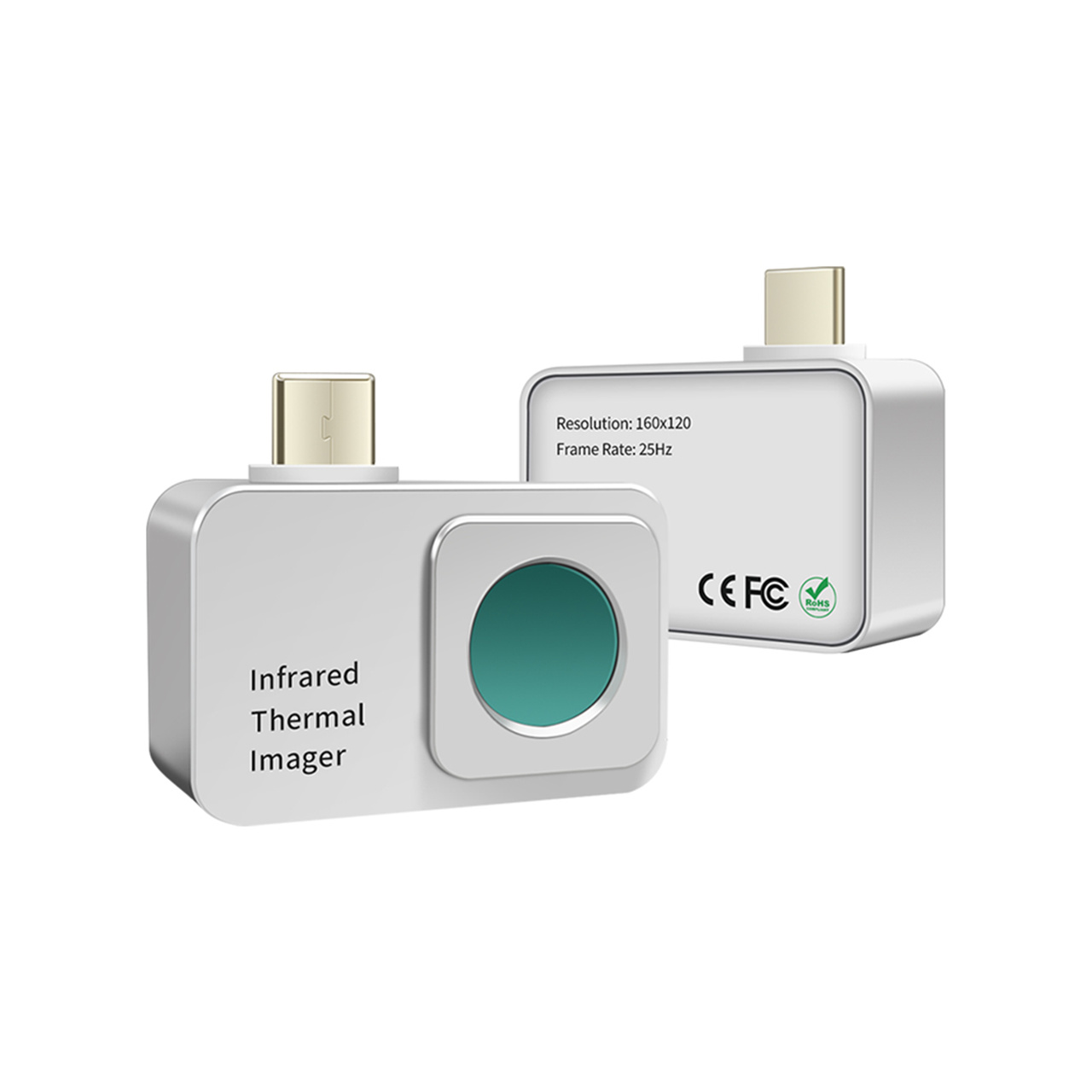
160×120 infrared sensor resolution, with better image quality
🔍
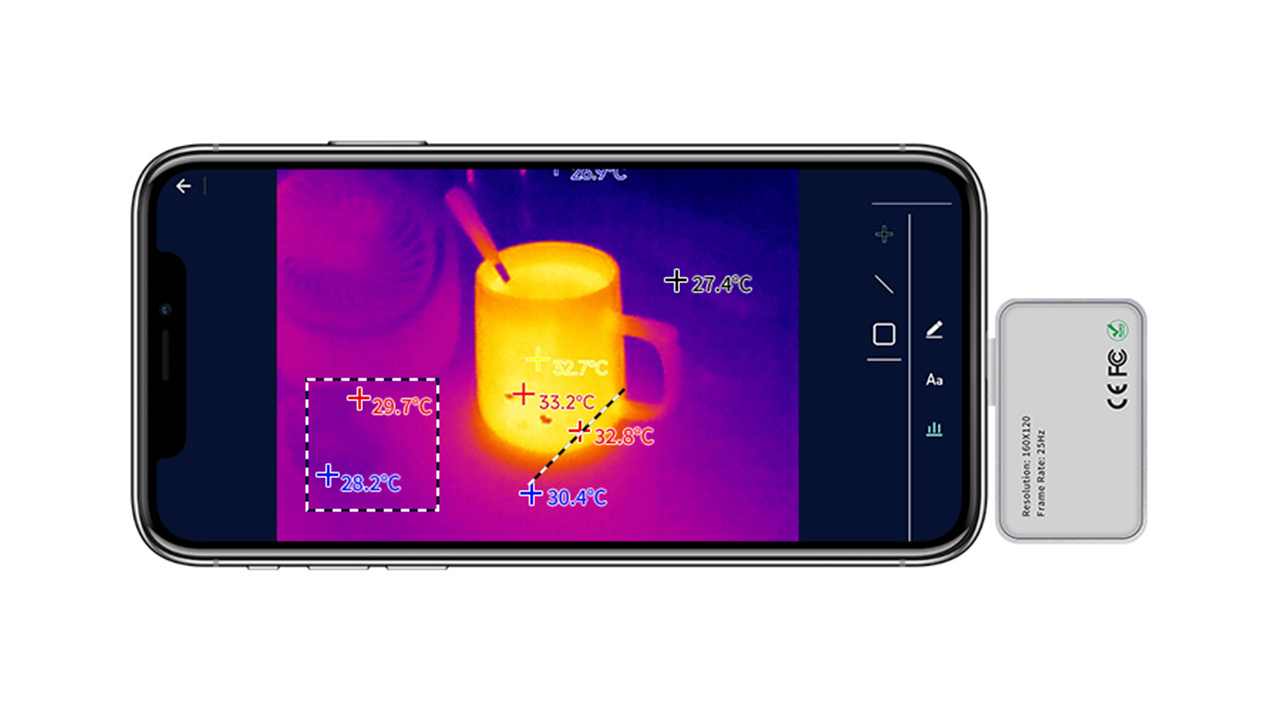
Self-Analysis Function
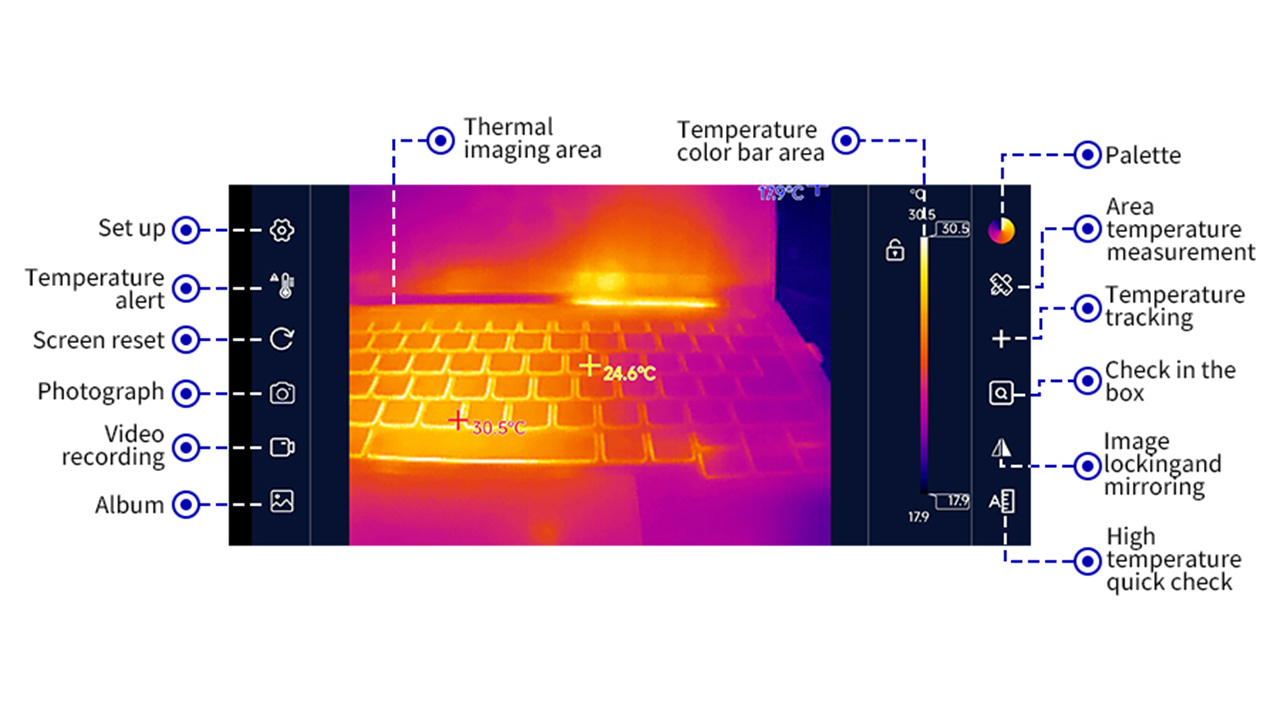
It supports drawing points, lines, and boxes for measurement, allowing users to measure several key locations simultaneously, thus improving detection efficiency.
🌡
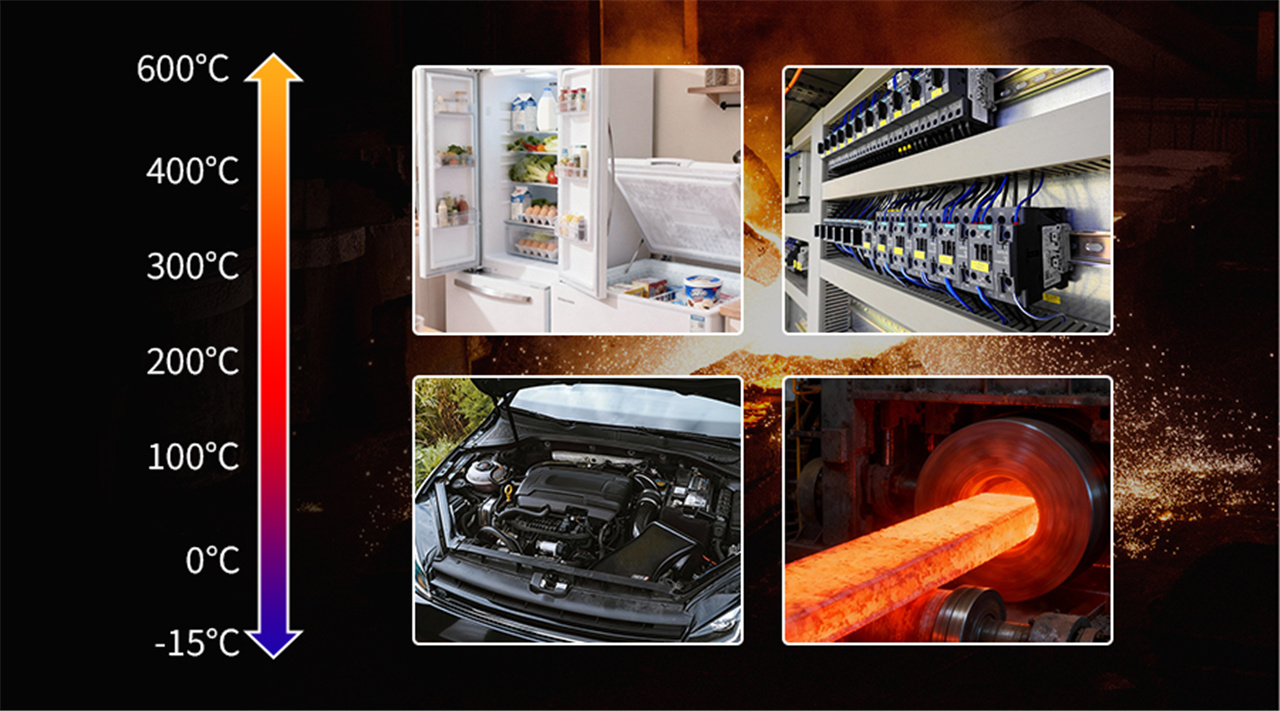
Temperature Measurement Range
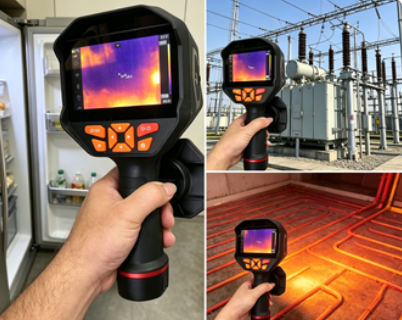
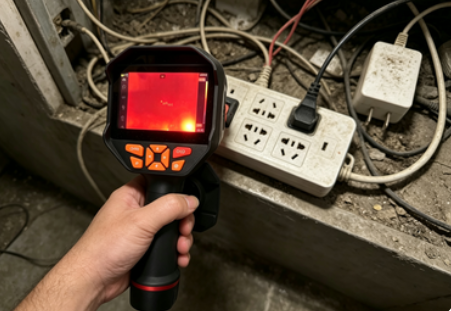
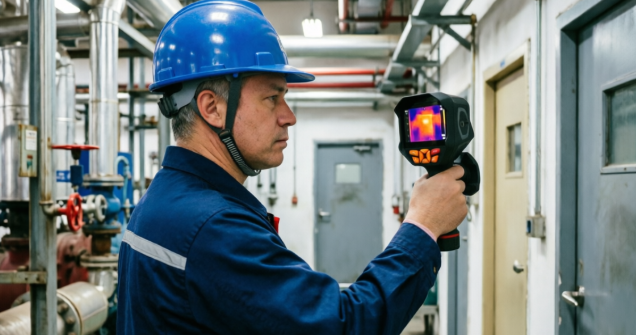
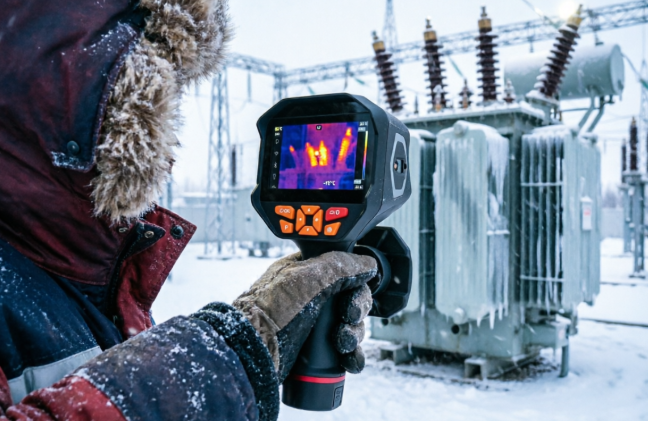
With a high temperature measurement range of -15℃ to 600℃, it can meet the needs of users in different scenarios, such as low-temperature scenarios for detecting air leaks, medium-temperature scenarios such as underfloor heating detection, and high-temperature scenarios such as electrical equipment maintenance.
🔔
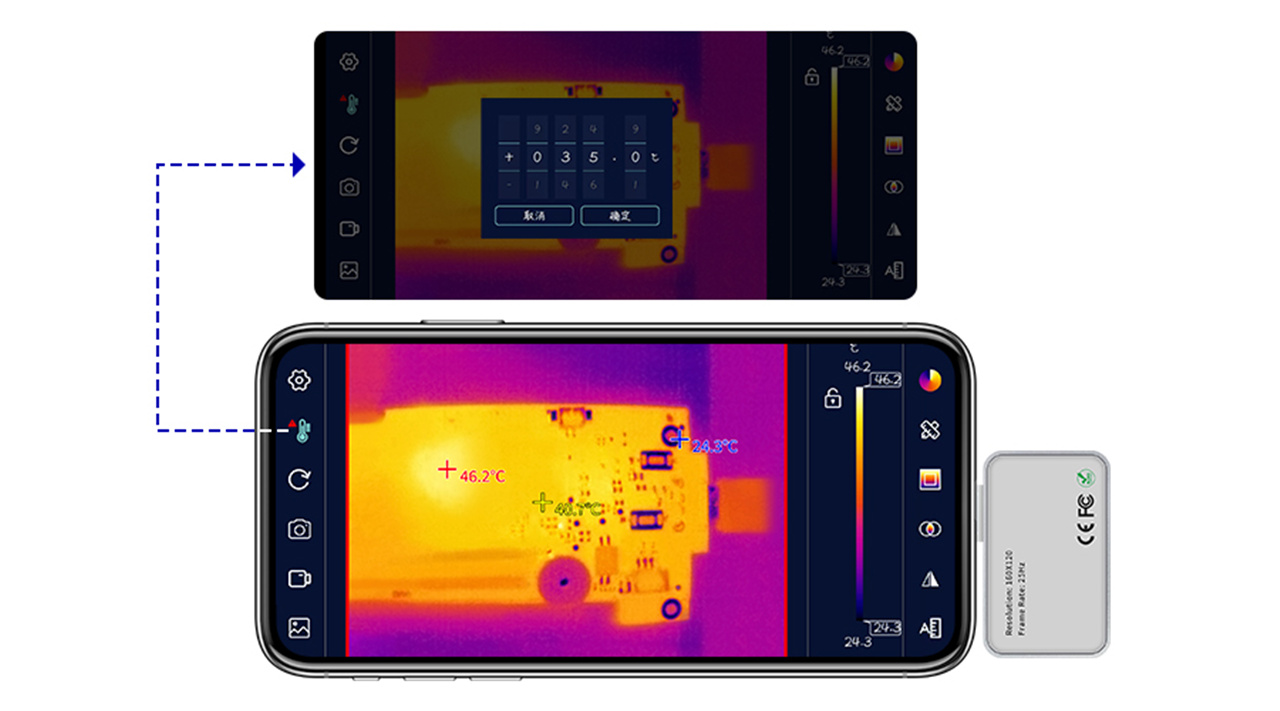
Temperature Alarm
Users can customize the alarm temperature threshold according to their application needs. When the temperature exceeds the set threshold, an alarm will be triggered to remind the user.
🎯
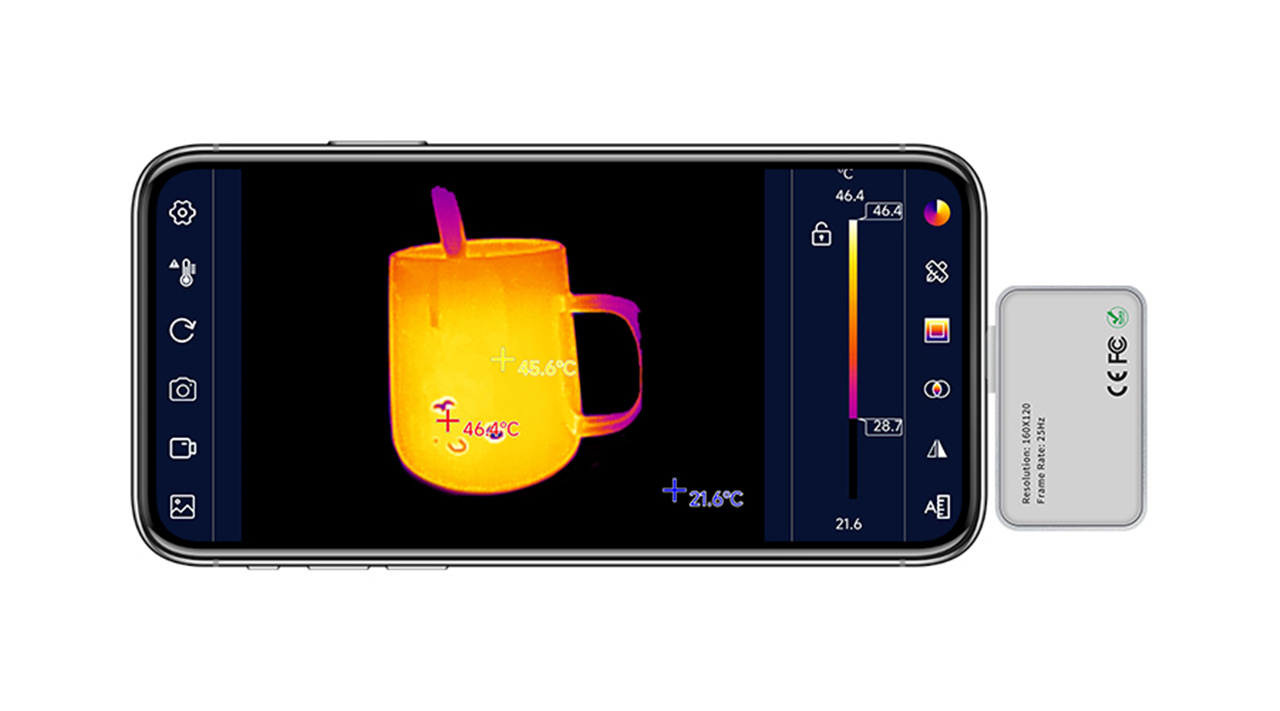
Manual Temperature Range Adjustment
Users can manually adjust the temperature range to their desired viewing temperature zone, filtering out irrelevant temperature information and making objects at the target temperature stand out more.
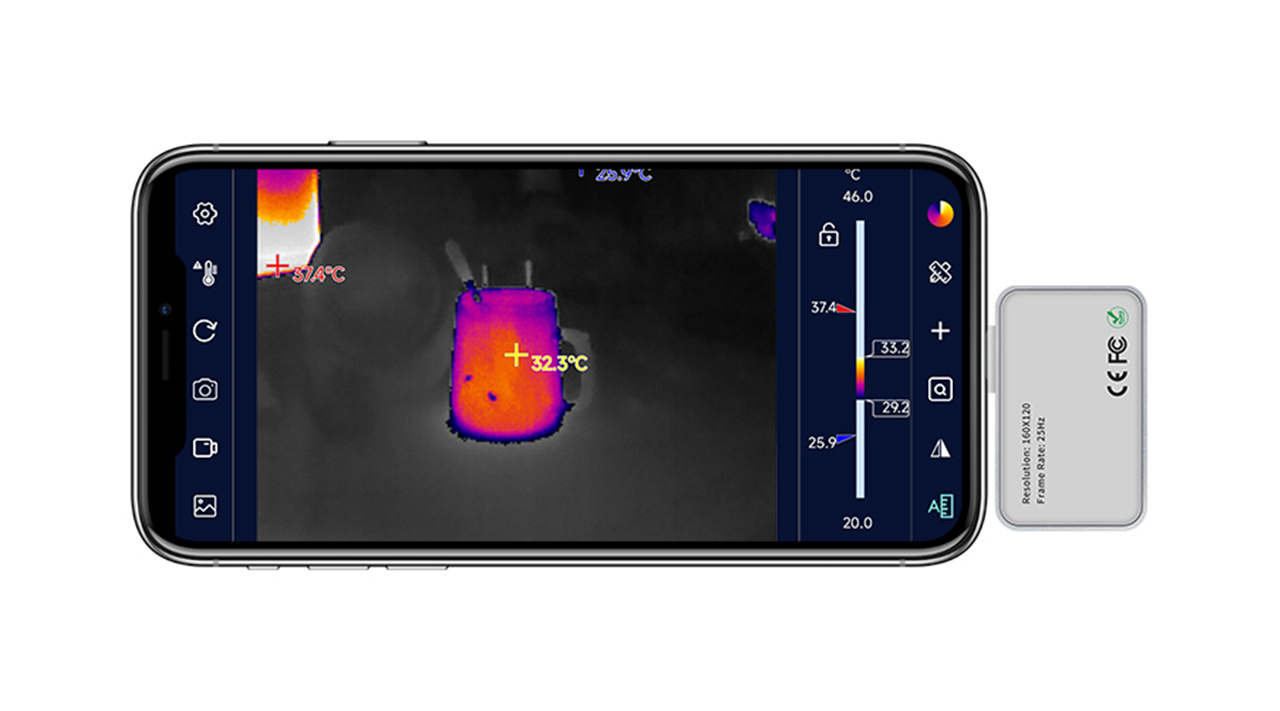
⚡
High Temperature Quick Check
It supports one-click activation of the high-temperature quick search function, which can help users quickly locate high-temperature areas and improve efficiency.
🎨
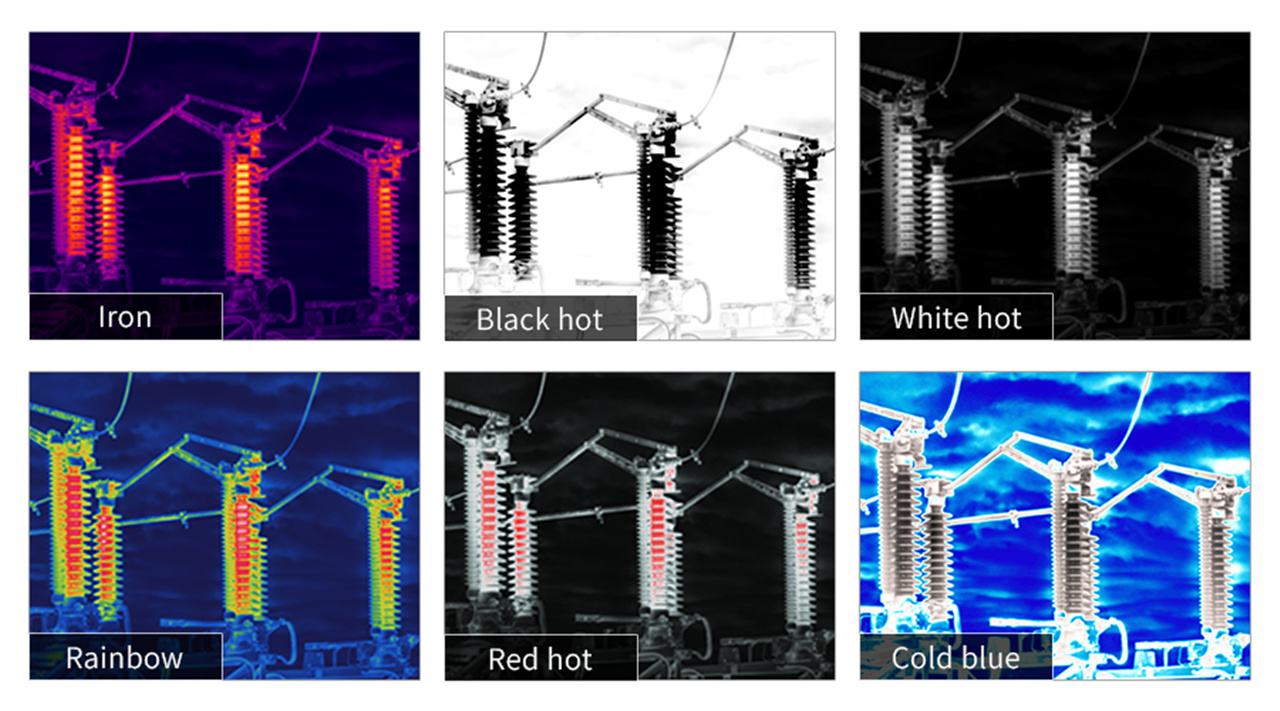
Palette
Supports 6 color palettes
- Iron Red, Red-Hot, White-Hot, Black-Hot: Emphasize high-temperature areas; suitable for detecting abnormal temperatures in electrical maintenance and power line inspection.
- Rainbow: Clearly shows temperature gradient patterns and quickly pinpoints abnormally high/low temperatures in the same scene. Ideal for circuit board inspection to locate heat source spread and identify potential overheating.
- Cool Blue: Clearly presents low-temperature details; suitable for low-temperature detection scenarios such as water leaks and air conditioning cold air leaks.
📱
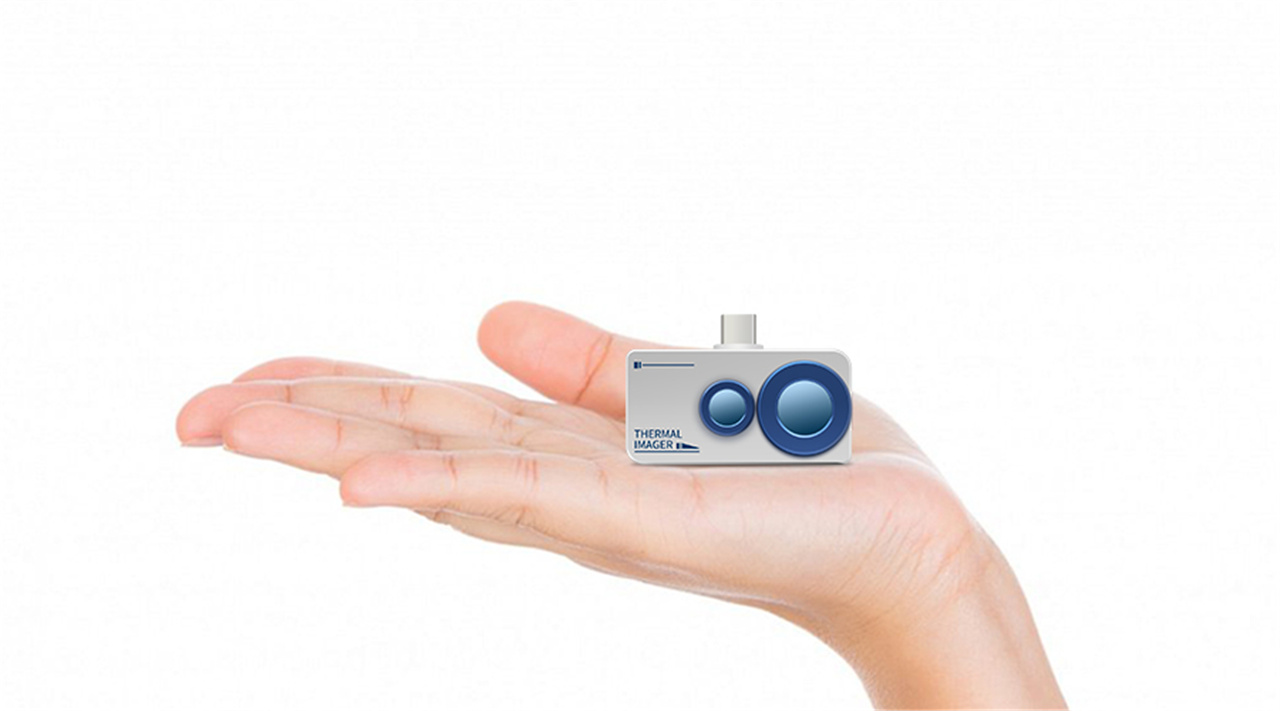
Portable and Easy to Use
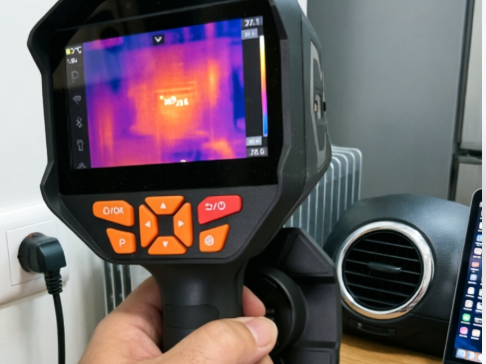
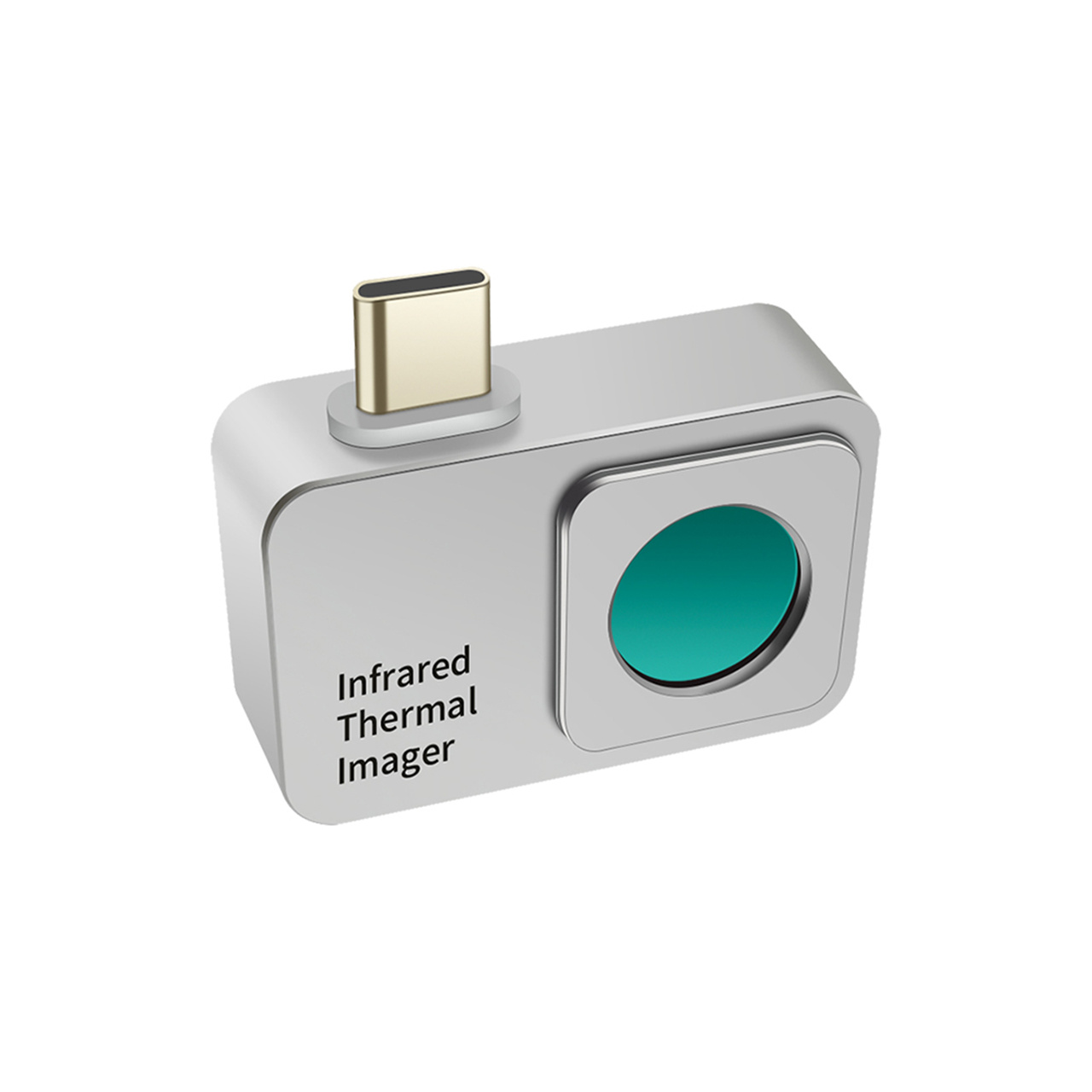
The device is small in size and equipped with a standard USB Type-C interface. It can be used simply by connecting it to a mobile phone without charging. It is portable, lightweight, and easy to use.
App Interface
Frequently Asked Questions
Q1
What is the infrared sensor resolution of the H1FB thermal imager?
The H1FB features a 160×120 infrared sensor resolution, which delivers better image quality compared to lower-resolution sensors, allowing for more accurate and detailed thermal imaging.
Q2
What is the temperature measurement range supported by the H1FB?
The H1FB supports a wide temperature measurement range of -15℃ to 600℃. This covers a broad spectrum of applications, from detecting cold air leaks at low temperatures to inspecting electrical equipment at high temperatures.
Q3
How does the self-analysis function work on the H1FB?
The self-analysis function allows users to draw points, lines, and boxes directly on the thermal image for targeted measurement. This enables simultaneous measurement of multiple key locations, significantly improving detection efficiency during inspections.
Q4
How does the temperature alarm feature work?
Users can set a custom temperature alarm threshold in the app. Once the measured temperature exceeds the defined threshold, the device will automatically trigger an alarm to alert the user, enabling proactive heat monitoring and preventing potential hazards.
Q5
How many color palettes does the H1FB support, and what are they used for?
The H1FB supports 6 color palettes: Iron Red, Red-Hot, White-Hot, Black-Hot, Rainbow, and Cool Blue. Each palette is optimized for different inspection scenarios — for example, Rainbow is ideal for visualizing temperature gradients on circuit boards, while Cool Blue is best suited for low-temperature detection such as water leaks or cold air leaks.
Q6
Does the H1FB require charging or a separate power source to operate?
No. The H1FB connects directly to your smartphone via a standard USB Type-C interface and draws power from the phone itself, so no separate charging or external power source is required. Simply plug it in and start using it right away.